RHS Bridgewater – OS Wallpaper Download February 2026
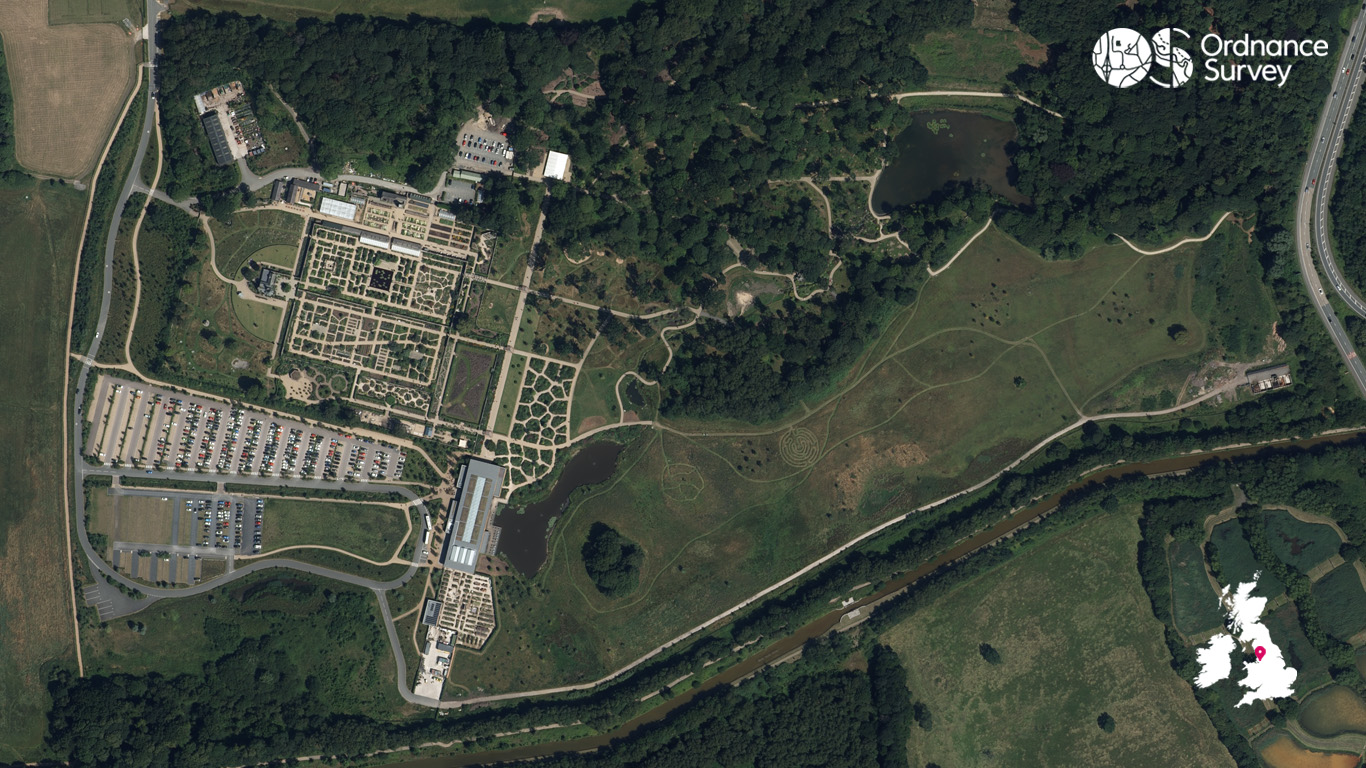
Continuing our aerial photography series this year and to tie in with the popular new release of our Greater Manchester Walking Guidebook, our flying team have selected an aerial image of RHS Bridgewater and the Bridgewater Canal.
RHS Bridgewater is a 154‑acre outdoor garden perfect for nature lovers. Transformed from the historic Worsley New Hall estate, it is now a vast landscape of woodlands, lakes, meadows, and beautifully designed gardens.
If you love wandering through big, open green spaces, this place is a dream. You can explore the Weston Walled Garden, one of the UK’s largest Victorian walled gardens, packed with colourful borders, edible planting, and elegant garden rooms. There’s also the kitchen garden and orchard gardens for a collection of edible delights. And if you’re looking to stretch your legs, Middle Wood provides ample opportunity for strolls through a woodland that has been featured in mapping since at least 1799.
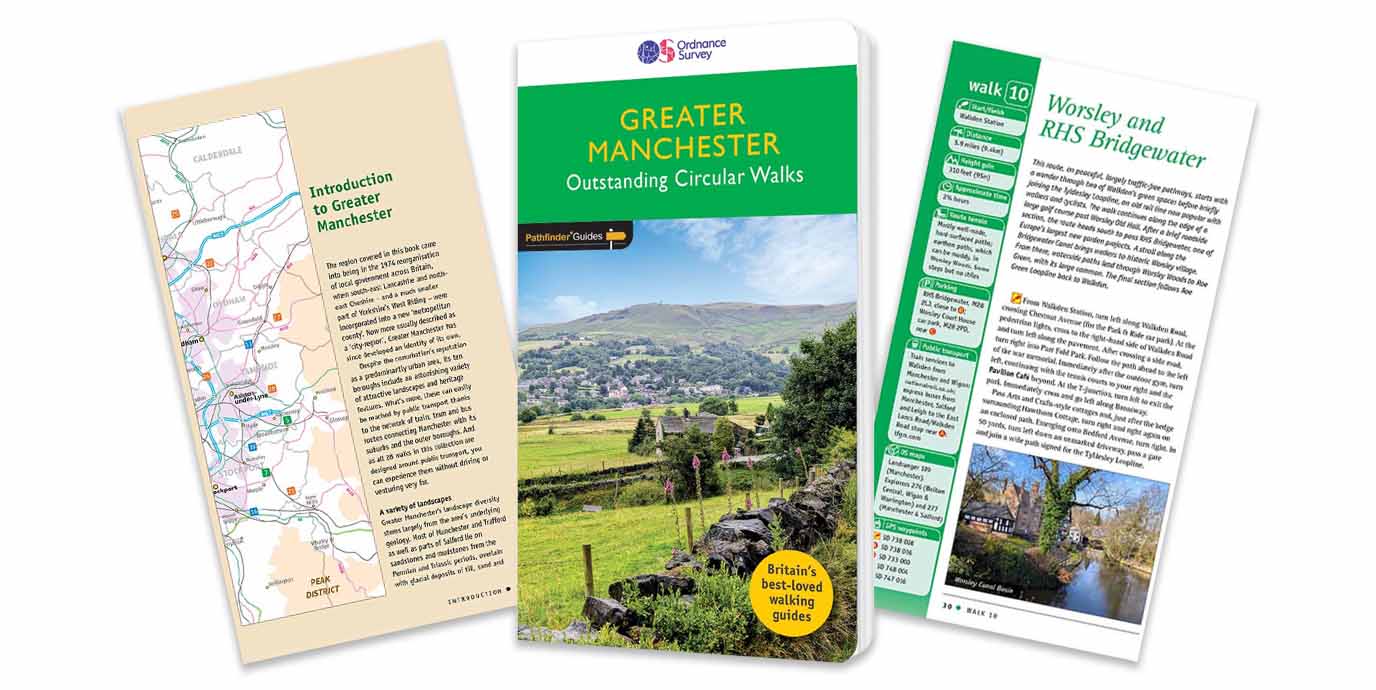
Greater Manchester Pathfinder walking guide
Alternatively, you can follow the Worsley and RHS Bridgewater route featured in our Greater Manchester Pathfinder guide. It follows peaceful, largely traffic-free pathways, tracing the Tyldesley Loopline, an old rail line, passing RHS Bridgewater and taking you along the Bridgewater Canal. The Bridgewater Canal was opened in 1761 and was the first canal in Britain not to follow a natural river (a ‘cut’ canal).
Alongside RHS Bridgewater, the Greater Manchester walking guide introduces you to some of area’s most beautiful locations, such as the Marple Aqueduct, the Trans Pennine Trail, Peel Tower and many more iconic spots.
The Pathfinder guide to Greater Manchester has a range of 28 walks and explores open green spaces, river valleys and canal paths. All walks are accessible by public transport, and range from short, easy routes, to longer, full day outings.
For more information about the Greater Manchester guide, take a look at our interview with the author, Dr Andrew Reed. To have a peak inside the guide and pick up your own copy, head to the official Ordnance Survey Shop.
EXPLORE THE
OS Shop
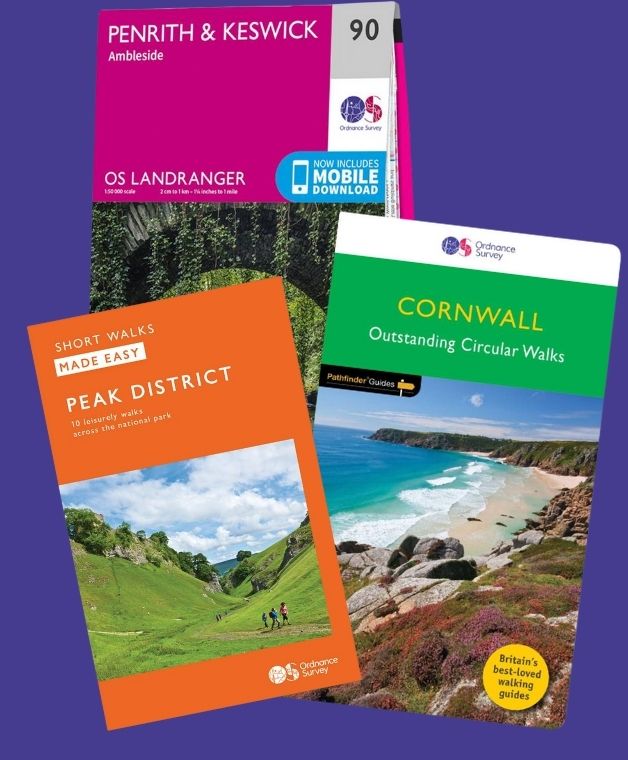
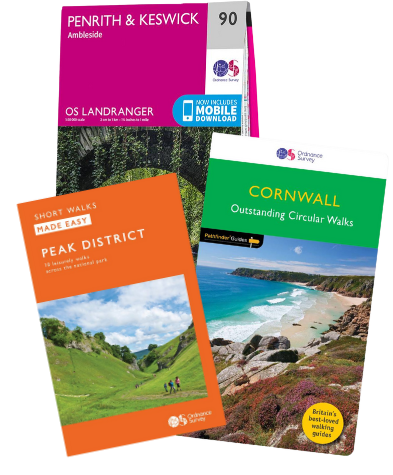
We are with you every step of the way. Shop our trusted walking and hiking maps and guidebooks so you can explore the outdoors with confidence.
Go to the shopContribute to Get Outside!
We’re hoping to bring many more contributors to Get Outside from our own OS Champions but also any of our fans who have interesting routes, pictures and stories of their adventures to share. If you’re interested in writing for us or sharing an adventure with a OS Maps Route then please read this guide – write for Get Outside.
If you have an image you think we could for the next OS Wallpaper join our Facebook Group and share it with us! Just tell us where the image was taken and when.
Free Download: Desktop & Mobile OS Wallpaper Background
2560 x 1440 (also for 2048 x 1152 | 1920 x 1080 | 1600 x 900 | 1536 x 864 | 1366 x 768 |1280 x 720, plus Teams and Zoom)
1920 x 1200 (also for 1680 x 1050 | 1440 x 900 | 1280 x 800)
1366 x 768
1024 x 768 (also for iPad)
1536 x 768: For most mobile and tablet devices. For Android devices more of the image shows as you swipe between screens.
Using the downloaded wallpaper image
To save the image on a computer, right-click (or alt-click) and select ‘save target as’ or the equivalent for your browser. If you are not sure of the screen size, use the largest one.
- For most computers, right click the desktop and select ‘set wallpaper’ to change the wallpaper image.
- For iOS devices, select the image, press and hold on the image to ‘save image’, then go to Photos > Share > Set as Wallpaper.
- On Android devices, select the image, long press to ‘download image’ and then go to Wallpapers > My photos and select the image.
Did you know?
On Windows PCs you can save multiple wallpaper images to a single folder, and have your desktop background automatically change regularly by selecting that folder as the source.
You can also browse all the previous wallpapers.